
Best Wireless Earbuds Under $50 in 2026: Top 10 Budget Picks
The biggest risk with inexpensive earbuds is not weak bass. It is spending $35 on a pair that will not stay in your ears, makes calls sound muffled, or disconnects on the train. This guide to the Best wireless earbuds under $50 2026 cuts through inflated battery promises and confusing feature lists to help buyers match an actual use case with a sensible model.
Below are ten candidates worth checking, a practical selection scorecard, a 15-minute setup process, five costly buying mistakes, and straightforward fixes for common connection and charging problems. The recommendations distinguish regular low-priced models from premium-leaning options that only make sense when discounted.
What Are the Best Wireless Earbuds Under $50 in 2026?
The Best wireless earbuds under $50 2026 depend on how they will be used. Soundcore P31i offers a strong everyday feature mix; JLab Go Sport+ suits workouts; Soundcore P20i covers basic listening; and Space A40 is compelling when discounted below $50. Prioritize fit, microphone quality, and return flexibility over advertised specifications.
The Best wireless earbuds under $50 2026 comparison below groups realistic candidates by use case rather than unverified performance scores.
Quick comparison: 10 budget earbuds
Prices below are planning bands, not live quotations. A model marked “sale only” should be excluded if its actual checkout price exceeds $49.99.
| Earbuds | Best use | Budget status | Main trade-off |
| Soundcore P31i | Overall value | Usually ≤$50 | Bass-forward tuning |
| Soundcore Space A40 | Strong ANC | Sale only | Variable availability |
| Soundcore P30i | ANC + video | Usually ≤$50 | Bulkier case |
| JLab Go Sport+ | Running / gym | Usually ≤$50 | Hook style not for everyone |
| JLab Go Air Pop+ | Small / light | Usually ≤$50 | No premium ANC |
| JLab Go Pop ANC | Lowest-cost ANC | Usually ≤$50 | Basic sound detail |
| CMF Buds Pro 2 | Controls + features | Sale only / $49 offers | Price shifts |
| CMF Buds 2a | Low-cost ANC | Usually ≤$50 | Simpler feature set |
| JBL Vibe Beam 2 | Punchy everyday audio | Sale only | Check local pricing |
| MOONDROP Space Travel 2 | EQ / sound value | Usually ≤$50 | Less polished calls |
For the Best wireless earbuds under $50 2026, “best” is not a single universal ranking. A running hook, good app EQ, or unusually comfortable shell can be more valuable than a large noise-cancellation claim.
Essential Tools and Materials: What to Have Before Buying
| Item | Estimated cost | Skill level / why |
| Smartphone with Bluetooth | Already owned | Beginner; test pairing |
| Phone or laptop for call test | Already owned | Beginner; record voice |
| Different-sized ear tips | Included or 5–10 | Beginner; improve seal |
| USB-C cable / charger | Included or 5–12 | Beginner; case charging |
| Dry microfiber cloth | Approx. 2–5 | Beginner; exterior cleaning |
| Soft dry brush or swabs | Approx. 2–6 | Careful; clean mesh gently |
| Optional foam ear tips | 8–15 | Intermediate; fit adjustment |
| Return-window checklist | Free | Beginner; protect purchase |
The earbud itself is the only required purchase. Do not pay extra for a charger, specialist cleaning kit, or third-party app unless the manufacturer explicitly requires one. A phone’s Bluetooth settings, a quiet room, and a five-minute microphone recording reveal most obvious problems.
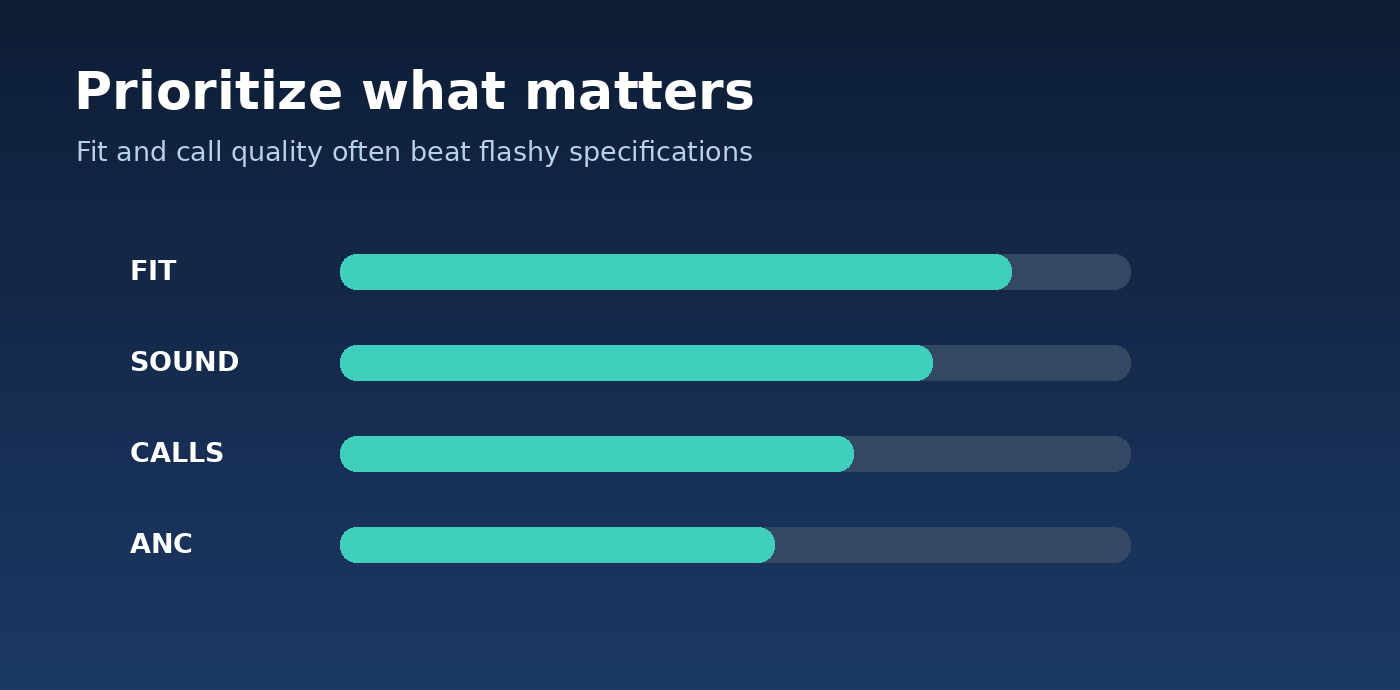
Selection scorecard: assess fit and sound first, then call clarity and ANC according to daily use.
The Top 10 Budget Wireless Earbuds Worth Comparing
- Soundcore P31i — Best Overall Feature Value
For shoppers exploring the Best wireless earbuds under $50 2026, the Soundcore P31i is a sensible first comparison. The manufacturer lists adaptive ANC, app customization, multipoint support, LDAC on compatible Android devices, and up to 50 hours total playback with ANC disabled. Its official list price is $49.99, while promotions may lower the effective purchase price.
Why it stands out: it does not force a buyer to choose between useful daily functions. A commuter can reduce background rumble, a student can tune vocals, and a laptop-and-phone user can take advantage of multipoint. LDAC should be treated as a nice-to-have rather than proof of superior listening; source quality, connection stability, and fit remain decisive.
Watch out for: sound preferences vary, and users sensitive to rich bass may need to reduce low frequencies in the app. ANC is useful but cannot eliminate speech, sudden announcements, or all wind noise.
💡 Quick Hack: Compare P31i and P30i on the same day. If the price gap is small, lean toward P31i’s updated feature package; if P30i is heavily discounted, the cheaper set may deliver better value.
- Soundcore Space A40 — Best Noise Cancelling on Sale
Independent evaluation from RTINGS has highlighted the Space A40 as a particularly capable sub-50noise-isolationoptionwhendiscountsbringitwithinbudget.ItsadaptiveANCandrelativelycompactshapemakeitinterestingforbusrides,air-conditioningnoise,andsharedoffices.Donotdescribeitasapermanentlyunder-50 model: price swings are part of the recommendation.
Buy for: frequent commuters who value reduced low-frequency rumble more than flashy design. Skip if: current local prices exceed the cap, the model is hard to source from an authorized seller, or warranty support is unclear.
Pro-Tip: Search the exact model name, verify “Space A40” rather than a similarly named Soundcore product, and check whether the listing is new, refurbished, or open-box.
- Soundcore P30i — Best Budget ANC for Video Fans
The P30i pairs adaptive noise cancellation with bass-emphasized tuning and a charging case that doubles as a phone stand. That stand is genuinely convenient for streaming while traveling or watching training videos at a desk. Manufacturer figures reach up to 45 total hours with ANC disabled, but real listening time drops when noise cancellation, calls, higher volume, or other features run.
Choose it when you want ANC and media-friendly convenience at a discount. The case is not the slimmest choice, and bass-heavy sound may veil dialogue until the EQ is adjusted. For podcast listeners, a gentler bass setting can improve clarity without raising volume.
- JLab Go Sport+ — Best for Running and Gym Sessions
The Go Sport+ makes sense for active listeners because of its over-ear hooks. A secure physical fit is more important during sprints and jump rope than a long list of codec badges. RTINGS has identified this model as a strong sports pick under $50, noting its stable fit and bass-forward presentation.
The trade-offs are straightforward: hooks feel different from small in-ear buds, and an integrated charging cable creates a longer-term failure point. Check whether your preferred color and seller remain within budget, and test comfort with glasses if applicable.
💡 Quick Hack: Before your first gym session, jog in place for 60 seconds and turn your head sharply. A bud that moves during this test is not a trustworthy running fit, even if the product says “sport.”
- JLab Go Air Pop+ — Best Compact Everyday Pair
The Go Air Pop+ is a reasonable entry-level choice for smaller ears, school bags, and backup listening. Its appeal is a compact shell and accessible price, not premium-grade ANC. Independent reporting highlights its small footprint and interchangeable ear tips, both valuable if bulky earbuds cause pressure after an hour.
Try the smaller ear tips before assuming the product is a bad fit. Compactness also makes these convenient as a second pair for occasional calls or podcasts. Buyers expecting quiet-cabin ANC should instead consider the P31i, P30i, or a sale-priced Space A40.
- JLab Go Pop ANC — Best Low-Cost ANC Entry Point
Go Pop ANC deserves a look when a buyer wants real noise-reduction controls but does not want to spend near the $50 ceiling. It is most appropriate for background hum and casual commuting, not aircraft-grade isolation. The practical comparison is against a comfortable passive-sealing model at a similar price.
A cheaper pair without ANC can be better if it stays securely in place and sounds clearer in calls. Test ANC in both silent and noisy environments, since some people notice a pressure sensation or extra hiss when cancellation is active.
- CMF Buds Pro 2 — Best Feature-Rich Sale Find
CMF Buds Pro 2 occasionally appears at a $49 offer price on Nothing’s US store, although higher regular pricing means it is not always eligible. It appeals to buyers who prefer tactile case controls and a distinct design. Verify discounts and product naming carefully: Buds Pro 2, Buds 2, and Buds 2 Plus are different products.
This is a particularly good candidate for people who frequently change volume or EQ profiles, but features should not distract from in-ear comfort. Return policies matter because case controls cannot compensate for an earbud shell that presses painfully against the outer ear.
- CMF Buds 2a — Best Low-Cost Alternative
CMF Buds 2a is a simpler budget route for buyers who want a recognizable brand and modern styling. Nothing’s US catalogue lists it near the lower end of this category. The main decision is whether the price savings justify a more modest feature set compared with P31i or CMF Buds Pro 2.
Use it for listening on public transport, study sessions, or backup travel gear. Do not assume a low price automatically means poor fit or poor sound; listen for clear spoken voices and a seal that does not require pushing the buds deeply into the ear.
- JBL Vibe Beam 2 — Best for Punchy Casual Listening on Sale
JBL Vibe Beam 2 can be appealing to listeners who want a lively, bass-presenting signature from a familiar audio brand. RTINGS discusses the model as an alternative in this price class, but actual sale pricing must be checked before it qualifies for a strict under-$50 list.
The most useful shopping check is comparing the Vibe Beam 2 against the cheaper P30i with the same tracks and similar volume. The louder-sounding pair is not necessarily better; listen for vocal clarity, bass definition, and whether cymbals turn harsh.
- MOONDROP Space Travel 2 — Best for Sound-Tuning Enthusiasts
The Space Travel 2 is an interesting sound-focused choice, especially for people willing to spend time adjusting EQ. RTINGS’ October 2026 update names it a best-sounding budget pick and calls out its customization options. It is less obvious for someone who needs seamless work calls and polished software above everything else.
Select this model when listening enjoyment matters more than convenience extras. Buyers should verify availability, app compatibility, and the exact product revision. A good sound signature is personal: brighter vocals may please one listener while another prefers a softer treble response.
How to Choose the Right Pair: A Step-by-Step Decision Guide
For anyone comparing the Best wireless earbuds under $50 2026, the daily listening environment should decide which features deserve money.
Identify the Listening Environment
Make a simple list of where the earbuds will be used most: train, classroom, home desk, park, or gym. Then rank your top two frustrations. If outside noise disrupts podcasts, prioritize ANC and a reliable seal. If people complain they cannot hear your voice, microphone quality and wind handling matter more.
Someone who mostly listens indoors may save money by skipping ANC entirely. By contrast, someone on a daily bus commute can reasonably devote more of the $50 allowance to noise reduction. Start with the problem, not the manufacturer’s marketing headline.
Define a Realistic Budget
Treat $50 as a hard ceiling rather than a target to exhaust. Split models into under $25, 25–40, and 40–49.99. A good $25 model is a better buy than an unneeded $49 model. Compare the final seller price, warranty status, and returns rather than relying on a search-result teaser.
For the Best wireless earbuds under $50 2026, remember that import charges or delivery fees can break an overall spending limit even when the product’s sticker price qualifies. Region-specific buyers should compare all-in costs in local currency.
Choose Ear Tips and Test the Seal
A silicone tip should seal comfortably without needing force. Begin with the medium tips, listen to a familiar song, then try small and large. A thin, distant bass response often indicates leakage. A tight, uncomfortable pressure sensation suggests the tips are too large or inserted too deeply.
Different ears sometimes need different tip sizes. If the seal breaks when speaking or smiling, adjust the insertion angle. Never judge ANC before finding a stable fit: poor passive isolation makes even competent cancellation seem ineffective.
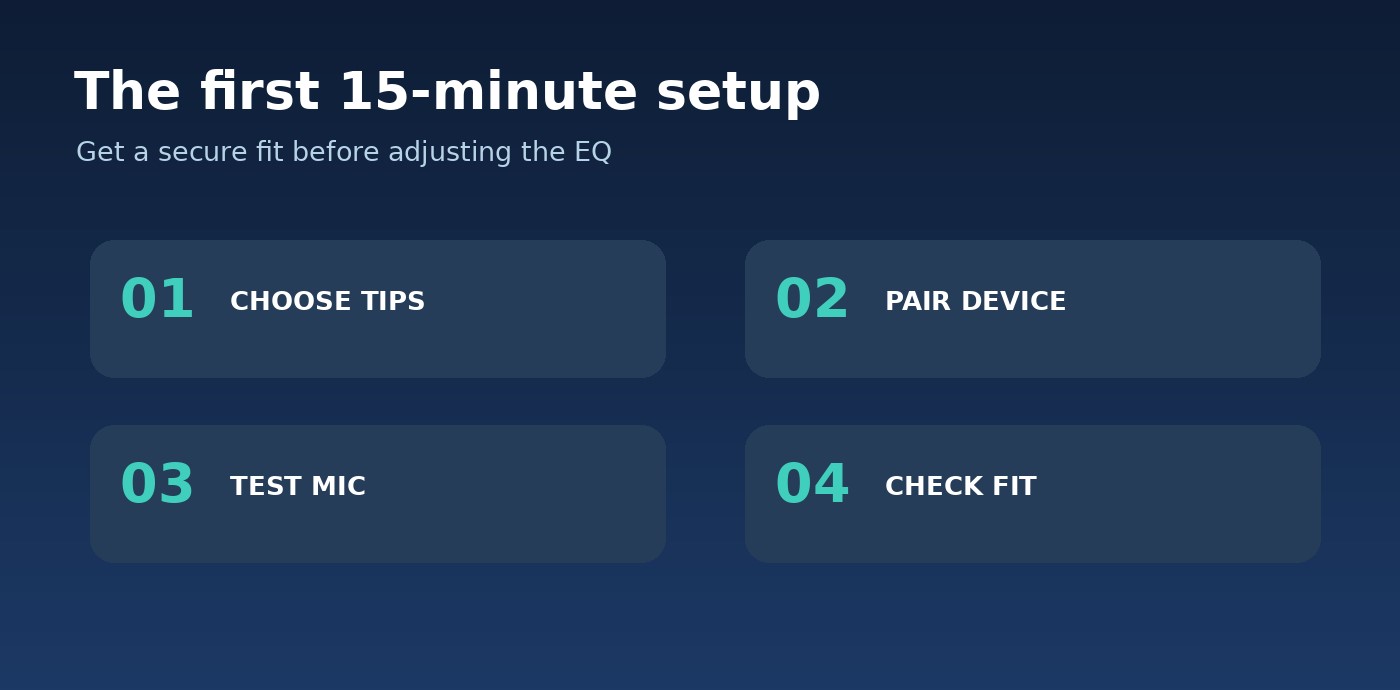
Setup sequence: choose tips, pair correctly, test the microphone, and verify fit before leaving the return window.
Pair, Update, and Customize
Charge the case and both earbuds, then remove protective films from charging contacts if supplied.
Open Bluetooth settings, put the earbuds in pairing mode, and choose the exact product name.
Install the official manufacturer app only if useful features require it.
Check firmware availability while both earbuds and the case have adequate charge.
Choose a neutral EQ preset first; make small adjustments rather than boosting every slider.
Assign controls deliberately: pause, volume, transparency, and track skip.
Test the automatic reconnection after returning earbuds to the case for a minute.
💡 Quick Hack: Save a 20-second voice recording in a quiet room and another near a fan. It is a quick, repeatable way to compare microphone intelligibility without specialized test equipment.
Evaluate Listening with Consistent Tracks
Select one podcast with clear speech, an acoustic recording with vocals, and a bass-heavy song. Keep the volume at a comfortable and consistent level. Check whether words remain intelligible, bass sounds controlled instead of boomy, and high notes stay clear without sharpness.
If two models appear similar, spend more time testing comfort. Ear fatigue after 45 minutes tells you more about long-term ownership than an exciting first impression. Use the retailer’s approved at-home trial window to make this comparison.
Test Battery, Calls, and Connectivity
Manufacturers often publish maximum playback figures measured under favorable settings. Instead, start with a full charge and use your normal volume, codec, and ANC settings for one typical session. Note battery percentage before and after. Battery readings are approximate, but large and repeated mismatches warrant attention.
Switch between your phone and computer if multipoint is advertised. Make one indoor call and one call outside. Walk two rooms away from the phone to look for dropouts, remembering that walls and interference change practical range.
Why ANC, Bluetooth Codecs, and IP Ratings Matter
A complete guide to the Best wireless earbuds under $50 2026 has to explain the specifications that most often mislead buyers. Three labels—ANC, high-resolution audio, and water resistance—sound simple but require context.
ANC Versus Passive Noise Isolation
Passive isolation comes from the ear tip blocking outside sound. ANC uses microphones and processing to reduce selected ambient noise, often performing best on relatively steady, low-frequency sounds such as engine hum. Voices, horns, wind gusts, and sudden impacts remain audible to varying degrees.
Transparency mode deliberately feeds surrounding audio into the earbuds. It may help with announcements or quick conversations, but it does not replace situational awareness near traffic. Earbuds should be removed when surroundings require full attention.
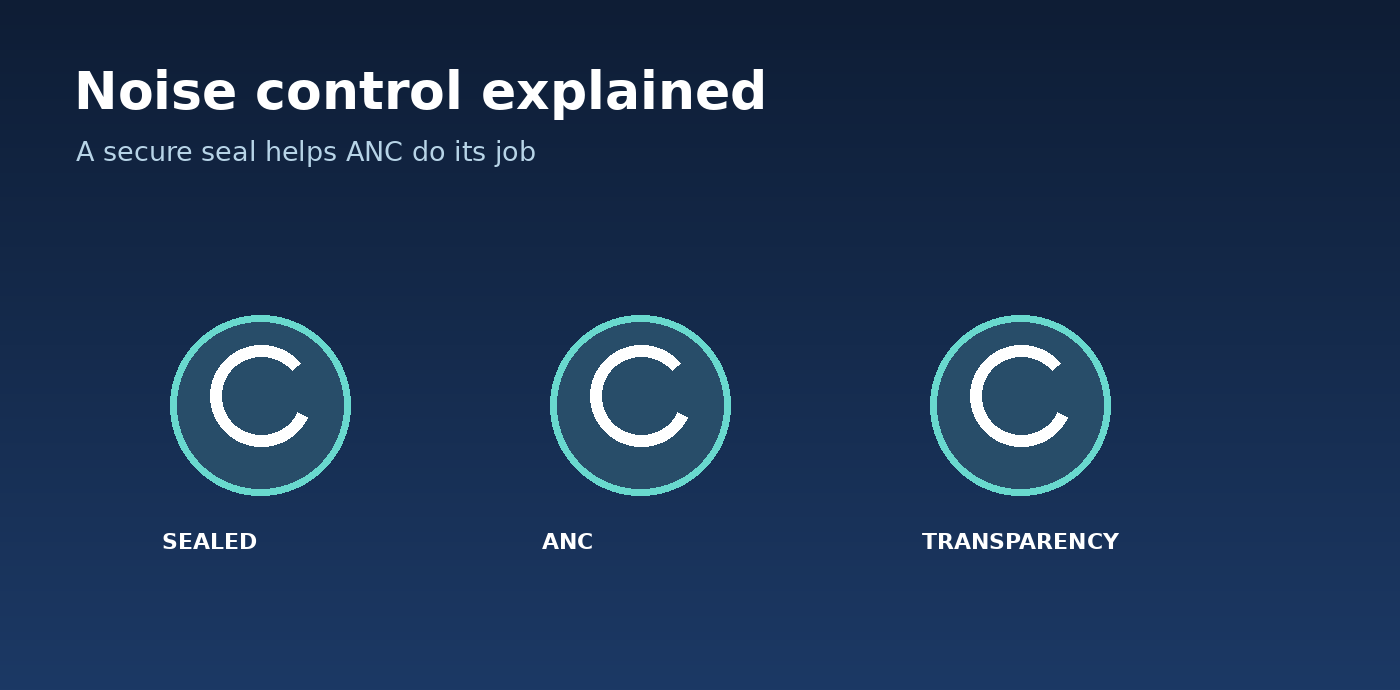
Noise control: the ear-tip seal supports passive isolation, while ANC and transparency serve different needs.
Bluetooth Versions and Audio Codecs
Bluetooth version numbers alone do not predict sound quality or stability. SBC and AAC are common; LDAC and some other higher-bitrate options require source-device compatibility and suitable conditions. Higher bitrate can increase connection demands, and a codec badge does not fix poor speaker tuning.
The Bluetooth SIG’s LE Audio framework introduces the LC3 codec and additional capabilities, but buyers must check that both their source device and earbuds support the relevant features. Do not assume every product labeled Bluetooth 5.x supports LE Audio or Auracast.
Pro-Tip: For calls or mobile gaming, prioritize measured latency and stable firmware over a “Hi-Res” logo. A codec that sounds excellent on paper is irrelevant if the phone does not support it.
Water Resistance, Sweat, and Fit
An IP rating is a test category, not a promise of permanent waterproofing. An X in an IPX rating means the dust portion is not specified, not that the product failed it. Sweat tolerance is valuable for a gym pair, but it is not authorization to shower or swim with earbuds.
After a workout, wipe the buds and let moisture dry before charging. Never put a wet earbud directly onto energized case contacts. Read the exact model’s warranty exclusions, because liquid damage may still be excluded.
Buyers reviewing the Best wireless earbuds under $50 2026 can avoid wasted purchases by checking five frequent errors before checkout.
Five Critical Buying Mistakes and How to Avoid Them
Buying by giant battery numbers: Compare earbud-only hours under your intended ANC setting, not simply case-plus-buds totals.
Confusing microphone noise reduction with listening ANC: “ENC calls” can refer to voice processing rather than active noise cancellation for music.
Ignoring fit and return policy: Buy from a reputable seller, check hygiene-related returns, and test comfort immediately.
Trusting an IP rating without reading the terms: Sweat resistant does not mean swim safe; dry equipment before recharging.
Paying for an unsupported codec: Check your phone model, OS, and playback app before using high-resolution claims as a buying criterion.
A sixth frequent mistake is choosing by celebrity branding or social-media hype without reading the exact model number. Some product families have similarly named versions with different apps, battery specifications, and controls.
Advanced Tips and Next-Level Budget Hacks
💡 Quick Hack: Shop around product refreshes. When a successor launches, an older but well-supported model may drop into the under-$50 category. Confirm seller authenticity and battery condition rather than assuming every clearance listing is safe.
💡 Quick Hack: Improve audio before upgrading. Reduce exaggerated bass by a few EQ steps, keep a comfortable playback level, and try a different ear-tip size. This can produce a more noticeable improvement than switching between two similarly priced buds.
Pro-Tip: Create two EQ profiles. Use a speech-oriented preset with restrained bass for calls and podcasts, and a music profile for entertainment. If the app supports custom profiles, label them clearly and compare at matched loudness.
Pro-Tip: Evaluate case size. A pocketable case that fits a jacket or handbag may get used more often than a bulky case with a slightly longer advertised battery figure. Portability is a real feature, not a cosmetic afterthought.
💡 Quick Hack: Use price alerts rather than impulsive purchases. Set a threshold below $40 for sale-only recommendations, then buy through an authorized retailer when a genuine offer meets your requirements. Do not mistake a crossed-out reference price for a verified discount.
Pro-Tip: Keep a backup ear tip. Small silicone tips are easily lost. Storing a spare pair in a clean compartment can prevent a minor loss from making your earbuds unusable during travel.
Even the Best wireless earbuds under $50 2026 may occasionally need a reset, a cleaning check, or a phone-setting adjustment.
Best wireless earbuds under $50 2026
Troubleshooting: Fix the Most Common Earbud Problems
Only One Earbud Connects
Put both buds in the charging case and check that each charging indicator responds. Clean and dry accessible contacts gently, charge the case, and try pairing again. If the manufacturer supplies a reset procedure, follow that exact model-specific sequence rather than a random button combination found online.
Remove duplicate Bluetooth entries and restart the phone. If only one side still appears, test another supported device. Repeated one-sided behavior under a valid warranty should prompt a seller or manufacturer support request.
Audio Keeps Cutting Out
Move the phone closer, remove unusual obstructions, and test in a quieter radio environment. Disable and re-enable Bluetooth, check for firmware updates, and briefly turn off multipoint to isolate the issue. If a high-bitrate codec is active, selecting a more stable setting can help in congested spaces.
Avoid keeping the phone at the bottom of a tightly packed bag behind metal objects. Repeated dropouts at close range with a clear line of sight suggest a device or firmware problem rather than normal signal limitations.
Calls Sound Muffled or Windy
Check that the correct microphone input is selected in the video-call app and that no scarf, hair, or hat blocks mic openings. Compare an ordinary phone voice memo with a third-party call app. If the issue occurs only on a laptop, inspect its headset audio profile and input settings.
Wind reduction is imperfect at this price. For an important business call outdoors, move out of direct wind or use the phone microphone; this can sound cleaner than a low-cost earbud in difficult conditions.
ANC Seems Weak
Test each included tip size and verify that ANC, rather than transparency or normal mode, is selected. Compare noise reduction against a steady fan or air conditioner at a safe volume. Do not expect identical results against speech or irregular bangs.
Some budget buds need a firmware update or calibration in their app. If strong ANC is the main reason for buying, assess it during the return period rather than after warranty support becomes the only option.
One Side Charges Slowly or Not at All
Inspect the case and bud for an obvious protective sticker, lint, or moisture. Use a dry soft brush or cloth on accessible surfaces. Do not scrape pins with metal tools, pour cleaning liquid into the case, or use an unapproved charging method.
Confirm that the case itself charges with a known-good USB-C cable and power source. If one cell consistently empties far faster than the other after a reset and full charge, document the behavior and request support.
Long-Term Maintenance and Hearing Safety
Budget earbuds last longer when the charging contacts stay clean, tips are wiped after exercise, and the case is stored away from direct heat. Keep firmware reasonably current but do not interrupt updates. Replace worn or torn tips promptly because damaged tips change both comfort and isolation.
Protect hearing as carefully as the hardware. The CDC advises turning volume down, taking breaks, and reducing exposure to loud sound. A comfortable seal and useful ANC may make it easier to listen at a lower level rather than cranking music to overcome background noise.
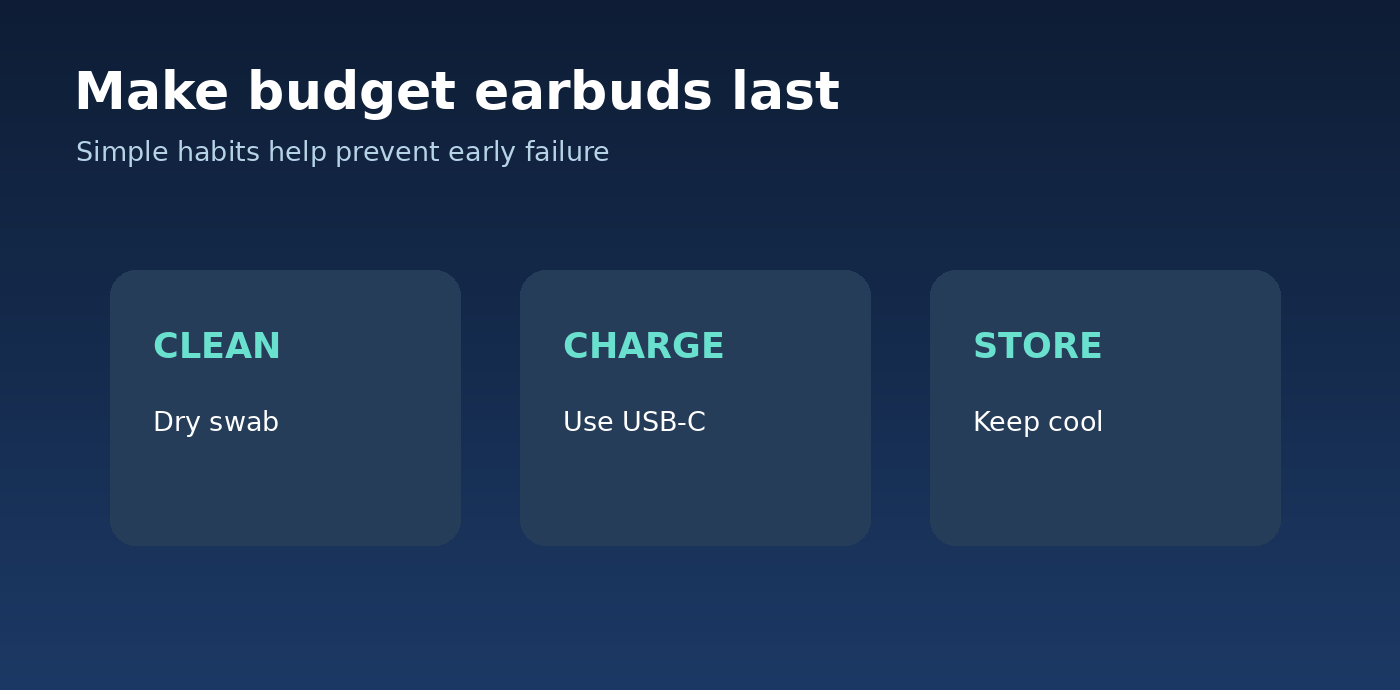
Routine maintenance: gently clean accessible surfaces, use the correct charging method, and store earbuds away from heat and moisture.
Frequently Asked Questions
- Are cheap wireless earbuds actually worth buying in 2026?
Yes, provided buyers set realistic priorities. The Best wireless earbuds under $50 2026 offer practical Bluetooth listening, usable microphones, and sometimes ANC. The most common compromises are wind-heavy call quality, stronger-than-ideal bass tuning, and limited extras such as wireless charging. Good fit and an honest warranty are more important than a long marketing feature list.
- Which earbuds under $50 are best for phone calls?
Soundcore P31i is a sensible starting point because it combines current connectivity features with app customization. However, no low-cost model guarantees excellent calls in wind or street noise. Listen to sample calls from credible reviewers and record your own indoor and outdoor tests within the seller’s return period.
- Can earbuds under $50 offer good active noise cancellation?
Yes, although performance varies. The Space A40 is especially attractive on sale, while P31i and P30i are feature-rich alternatives. A properly sealed tip is essential, and ANC usually handles steady low-frequency noise better than sudden sounds and nearby conversations.
- Which budget earbuds are best for running?
JLab Go Sport+ is a logical choice because the ear hooks offer more physical stability than many ordinary stem-style buds. Test them with glasses and movement, confirm their moisture rating, and dry them before charging. No workout-focused earbud should be assumed waterproof for swimming.
- Will budget Bluetooth earbuds work with both iPhone and Android?
Most Bluetooth earbuds support basic stereo listening and calls with both platforms. Advanced codecs, quick pairing, app features, or multipoint can vary by device and operating-system version. Always check the manufacturer’s current compatibility page for the exact model.
- How long should a 30–50 pair last?
Lifespan depends on usage, charging habits, heat exposure, moisture, and battery aging. No honest fixed lifespan can be promised. Keep the case dry, avoid extreme temperatures, use official firmware, and check the warranty before purchase. If the battery declines unusually early, seek support before attempting unsafe cell repairs.
Final Verdict: Buy for Your Routine, Not the Biggest Spec Sheet
The smartest way to shop the Best wireless earbuds under $50 2026 is to shortlist two or three pairs according to daily use. Start with Soundcore P31i for flexible everyday performance, check Space A40 when ANC is the priority and its price dips below $50, or choose Go Sport+ when staying secure during exercise matters most.
Compare the actual final selling price, test the seal and microphone promptly, and keep the pair that remains comfortable after prolonged use. Which matters more to you in a budget earbud—powerful ANC, clear calls, secure fit, or long battery life? Share your priority in the comments on MyFlexBots.
editor's pick
latest video
news via inbox
Nulla turp dis cursus. Integer liberos euismod pretium faucibua


