

How To Schedule Instagram Posts For Free: A Complete Guide
Instagram is one of the most used social networks by individuals, content creators, influencers, and companies. You may increase your audience, boost your sales, and create an effective digital footprint by posting regularly. Unfortunately, posting the content manually on a daily basis is quite a time-consuming activity.
The positive aspect is that you can schedule Instagram posts for free through Instagram scheduling options and Meta Business Suite. The tools enable you to plan your content ahead and specify when it needs to be posted. It means that you can post regularly without opening Instagram every time you want to publish the content.
This article will cover how to schedule Instagram posts for free, what options you can use, and how to benefit from the scheduled posts.
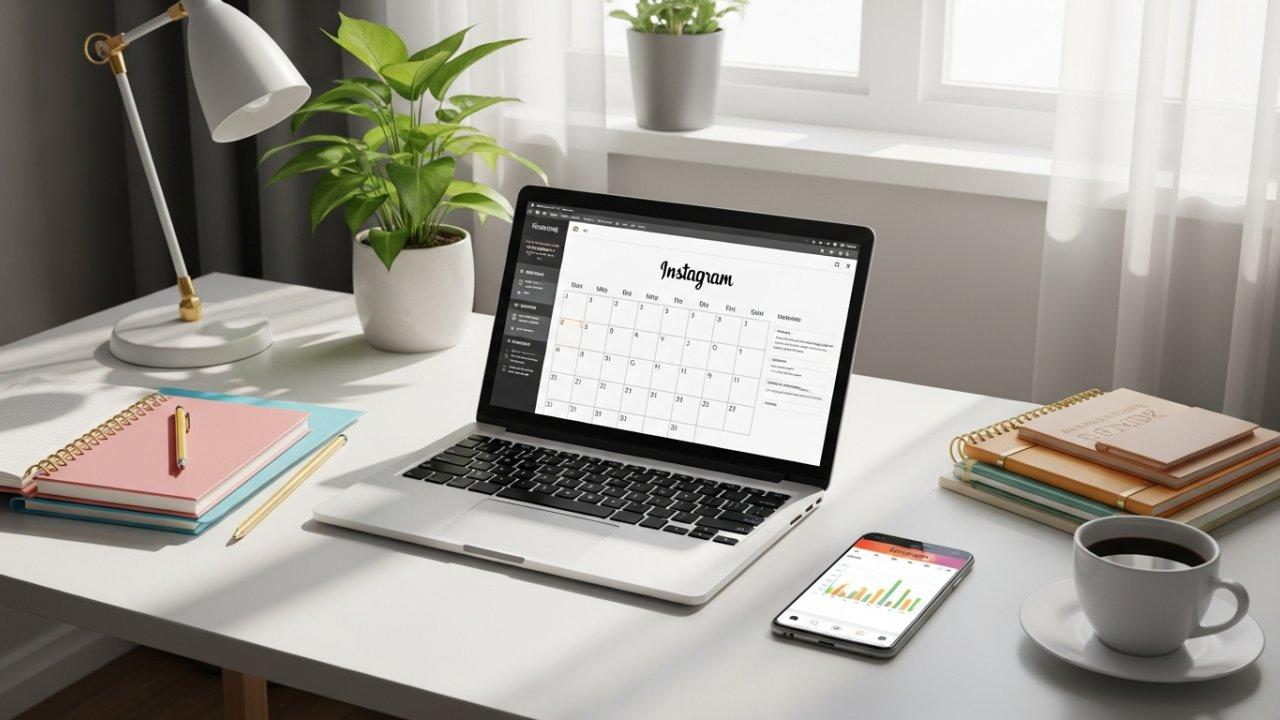
What Does Scheduling Instagram Posts Mean?
Instagram scheduling involves planning in advance the content such as images, videos, captions, and Reels that will be posted at particular days and times.
As an illustration, when one would like to post three photos during a week, he/she could plan all three posts on Monday and schedule them to be posted on various days. The photos will be posted by Instagram on those particular times as long as they meet the Instagram requirements.
The advantage of scheduling Instagram is for small businesses, online stores, blogs, influencers, and everyone who would like to save time while remaining active on Instagram.
Why Should You Schedule Instagram Posts?
There are several benefits of scheduling your posts on Instagram.
- Time-saving: Rather than having to make posts each day, you can create multiple posts all at once and schedule them for the entire week.
- Consistency: Consistent posts allow the audience to know what to expect. This can be done through scheduling.
- Timing of posts: Scheduling helps you reach your audience at convenient times. You can do this based on information from Instagram insights or Meta Business Suite.
- Stress reduction: It becomes easy to concentrate on other aspects since there is no need to worry about making posts in a hurry.
- Content preparation: Planning your content in advance allows you to have enough time to edit the post’s captions, images, etc.
How To Schedule Instagram Posts For Free Using The Instagram App
Scheduling content could not get any easier by using the scheduling tool that comes with Instagram. The best part about using the scheduling tool is that it is free and convenient for users who like creating posts right from their mobiles.
Steps involved:
Open Instagram: Open the Instagram application and login to your Instagram account.
Create a post or a Reel: Go ahead and tap the Create button on the page and choose your content.
Select your content: Choose a photo, video, or even multiple images to create a carousel post.
Edit your post: Apply the required filters, add a caption and even include hashtags if required.
Go to the advanced settings: Scroll down to open more options or go to advanced settings before publishing the post.
Activate scheduling: Toggle the switch to on for Schedule this post or Schedule this Reel, depending upon the post type.
Select the date and time: Choose the time of the day you would like your post to be live.
Click on the Schedule button: Your post has now been scheduled.
Your post is now scheduled to appear at the selected time of the day.
How To Schedule Instagram Posts For Free Using Meta Business Suite
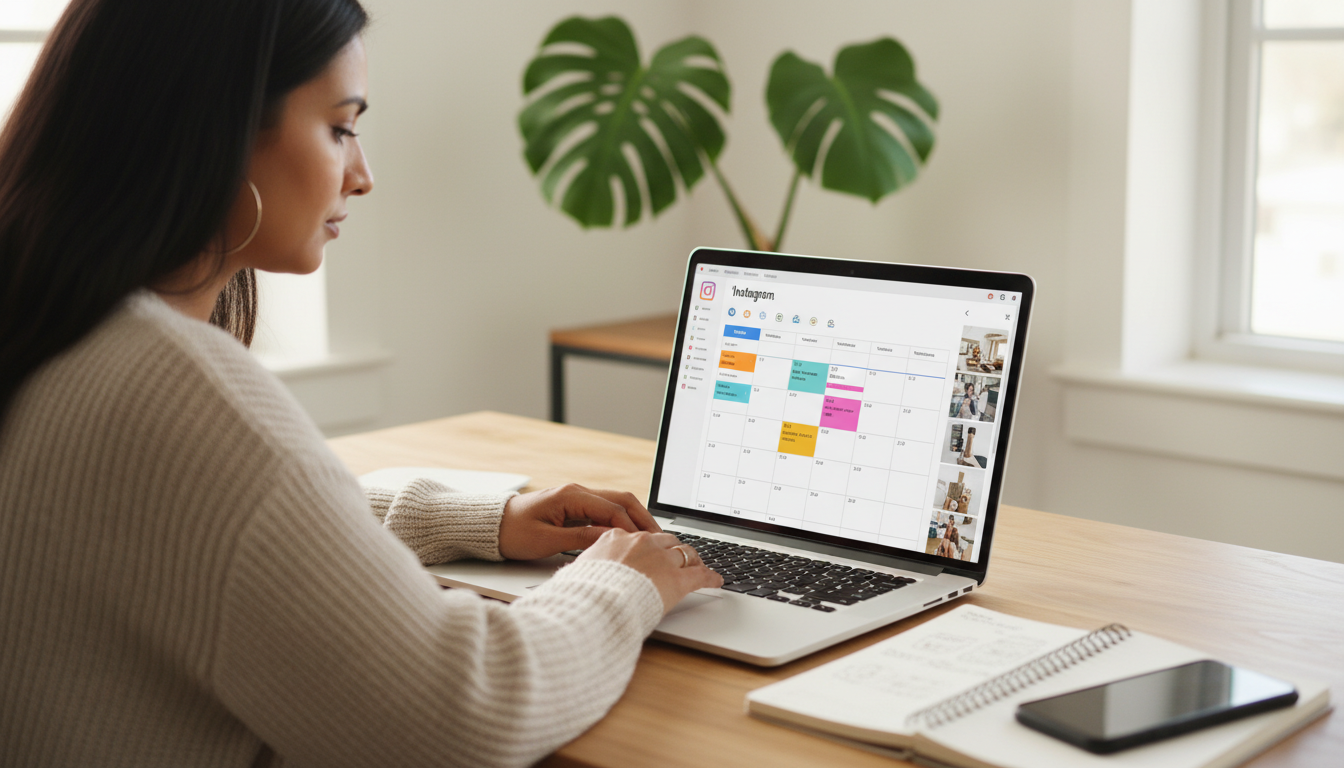
Meta Business Suite is another useful option for scheduling Instagram content. It is Meta’s official management tool for Facebook and Instagram, and it is particularly helpful for businesses and content creators who manage their accounts from a computer.
Open Meta Business Suite
Visit the official website at https://business.facebook.com/ and sign in with your Meta account.
Connect Your Instagram Account
If your Instagram account is not already connected, follow the instructions to link it to the appropriate Facebook Page. Make sure you have the required permissions to manage the accounts.
Create a New Post
Open the Content section and select the option to create a post. Choose your Instagram account as the publishing destination.
Upload Your Media
Add the photo or video you want to publish. Write an engaging caption and include any relevant hashtags or other available details.
Select Scheduling Options
Instead of publishing immediately, choose the scheduling option. Select your preferred date and time.
Schedule Your Content
Review the post to ensure everything looks correct, then click Schedule. Your content should appear in the scheduled posts section or Planner, where you can review upcoming publications.
Meta Business Suite is especially useful if you want to manage Facebook and Instagram content in one place. Available scheduling features may differ depending on the content format and account setup.
Can You Schedule Instagram Reels And Stories For Free?
Yes, Instagram Reels can be scheduled for free via the Instagram built-in scheduler once it becomes available for your profile. Reels will prove helpful for providing tutorials, demonstrations of products, entertainment, and education.
As for the Instagram Stories, a good alternative would be the free Meta Business Suite. This mobile application allows you to schedule some Instagram content, such as Instagram Stories, based on available options.
Check the preview first to make sure all your text and video size are right.
Best Free Tools For Scheduling Instagram Posts
Below are several options worth considering:
- Instagram’s built-in scheduler
This option is ideal for individuals whose major publishing happens on Instagram. You can post your content through Instagram and manage its publication schedule for free.
- Meta Business Suite
This solution will be relevant for those users who manage their accounts on both Facebook and Instagram pages. The product provides management of content and publishing on various social media channels.
- Free plan of Buffer
Buffer offers a free plan that has some publishing capabilities. This option can be used when it comes to organizing content for several social media channels. It is better to check what the plan currently includes.
For most beginners, the Instagram scheduler or Meta Business Suite would be a rational choice, since they are official products of Meta.
Tips For Scheduling Instagram Posts Successfully
Content scheduling is only one aspect of an efficient Instagram strategy. Here are some other ways you can optimize your time.
Make a content calendar for a week: Plan ahead of time to keep your content organized. You may want to publish educational content on Mondays, your products on Wednesdays, and behind-the-scenes content on Fridays.
Write captivating captions: Make sure your captions are clear, relevant, and interesting. Start with a good first sentence to convince users to read through to the end.
Use relevant hashtags: Select hashtags that relate to your content, products, and audience instead of using popular hashtags unrelated to your topic.
Select appropriate publication time: See how active your audience is by checking out your Instagram analytics. Experiment with various timings and compare their performance rather than just using suggestions.
Use quality visuals: Sharp photos, well-edited videos, and legible text can increase the attractiveness of your content.
Check scheduled posts often: Review your upcoming content to make sure that you have the correct captions, links, prices, and dates. Edit your scheduled posts as needed.
Engage with your audience: Scheduling helps with publishing content; however, it doesn’t cover comment responses, messages, and interaction.
Common Problems When Scheduling Instagram Posts
At times, it might be that the scheduling feature is not showing up or a scheduled post is not posting as expected.
A few ways to solve this problem include:
Scheduling feature missing: Make sure that you have updated your Instagram app and see if scheduling is available for your account and media.
Account-related connection problems: If you use Meta Business Suite, ensure that you have the correct account connection to your desired Facebook Page.
Permissions issues: Make sure you have all the necessary permissions to make and schedule posts.
Wrong publishing time: Double-check your time zone on either your phone or account and your date and time chosen.
Publishing problems: Inspect the media itself, caption, account, and any information from Instagram or Meta Business Suite regarding your post.
If your scheduled post doesn’t show up, go to your scheduled posts and see its status before creating another one.

Frequently Asked Questions
- Is it possible to schedule Instagram posts for free?
Yes. Instagram has a built-in scheduler that supports scheduling for free as well as Meta Business Suite. Some third-party services offer free scheduling, but there might be restrictions.
- Do I have to pay for Meta Business Suite?
No. Meta Business Suite is a free service for managing Facebook and Instagram, but some of the advertising activities will cost money.
- Can I schedule Instagram posts from my computer?
Yes. With the help of Meta Business Suite, it is possible to schedule supported Instagram posts from a desktop browser.
- Can I schedule Instagram Reels in advance?
Yes. Instagram’s built-in scheduler supports eligible Instagram Reels and also Meta Business Suite enables scheduling of posts.
- Does scheduling Instagram posts bring more engagement?
Scheduling alone doesn’t bring more engagement. Scheduling can be useful because it allows posting at certain intervals and publishing posts when your audience is online.
- How far in advance can I schedule Instagram posts?
There used to be no limit to scheduling posts through Instagram’s built-in scheduler, as well as no time limit for it. Now it seems like it is possible to schedule up to 30.
Conclusion
Scheduling Instagram posts for free is a useful skill that can help organize your work with social media even more. For instance, Instagram’s own scheduler will do just fine for individual users, whereas Meta Business Suite will be useful for those who have to manage both Instagram and Facebook.
Preparing content ahead of time, picking good times for posts, and checking your scheduled posts from time to time are simple ways of keeping up with your posting schedule without investing any money into additional software.
Choose one of the suggested free services, plan your content for the next week, and then continue depending on your audience’s reaction to your posts.
editor's pick
latest video
news via inbox
Nulla turp dis cursus. Integer liberos euismod pretium faucibua

